AI for Lawyers in the Philippines: A 20-Year Firm's Guide
AI for lawyers in the Philippines is already practical. JSTP Law, a 10-lawyer, 20-year-old practice in Pasig, runs on a stack of tools rather than one: Claude for drafting, Perplexity for cited research, Gemini for documents. Managing partner Joshua Santiago reports roughly tenfold productivity and two years of doubled revenue.
Last Friday afternoon, I sat in an AI Journeys session of PAIBA, the Philippine AI Business Association, and listened to a lawyer describe how his firm works today. AI Journeys is our monthly members-only series where member companies show, screen by screen, how they are actually implementing AI. No vendors pitching. Just practitioners sharing what worked, what it cost, and what went wrong.
The speaker was Atty. Joshua Santiago, managing partner of JSTP Law (Javier, Santiago, Torres and Panghulan Law Offices) and a founding execom member and board director of PAIBA. His firm turns twenty this year, with ten lawyers handling family law, estates, business law, and tax appeals. Law firms are not usually the first place you look for AI adoption stories. Twenty-year-old law firms, even less so.
What stood out to me was not that a law firm is using AI. It was how deliberately they use it. He framed his whole talk as the story of how a firm found “speed, safety and scale,” and the structure underneath it was simple:
One tool for drafting. Another for research. Another for reading documents.
No single tool won. And in my opinion, that is the most useful lesson any Filipino business can take from his story.
The breaking point: time, energy, drudgery
The firm did not adopt AI because it was trendy. It adopted AI because success was becoming painful. More clients kept coming in, and there were not enough hours to serve them all. Admin staff were staying late into the night just to keep up with billing and expense reports. And the work that filled the days was increasingly repetitive: the same document types, the same processes, over and over.
Atty. Santiago named the three drains in a way I think every business owner in the room recognized: time, energy, and drudgery. Not enough hours in the day. Exhausted even when the work gets done. And bored by the repetition that mastery brings, because as you get good, you get entrusted with more of the same. Family time and, in his case, ministry were being squeezed out.
That is the honest starting point for most real AI adoption I have seen: not ambition, but a bottleneck that hurts.
What AI for lawyers in the Philippines actually looks like
He tried a long list of models over three years, from the early clunky days onward: DeepSeek, Grok, Gemini, ChatGPT, and more. He narrowed the stack to three, and stopped paying for ChatGPT a couple of months before the talk. Not because it is bad, but because three tools already covered the firm’s jobs.
Claude is the firm’s primary tool. It handles the reasoning-heavy work: first drafts of petitions and memoranda. His concrete example was the recognition of foreign divorce, a specialized filing his firm handles often. He set up a project with samples of his past work, and now the documentation that used to take him thirty minutes to an hour takes about five minutes, starting from photos of the marriage and divorce certificates. The draft is never the final product. He goes back and forth with the tool, often through eight versions, and a lawyer reviews everything. But starting from a solid draft instead of a blank page changes the economics of the practice. On top of drafting, the firm built specialized assistants with their own instructions: a trademark writer, a labor law specialist, jurisprudence updates, estate planning.
Perplexity handles legal research. The choice was deliberate: it cites its sources rather than inferring freely. He pointed to a cautionary tale reported in the Philippine Star, where a court called out a lawyer for citing a case that did not exist. The AI invented it, and the lawyer did not check. For a profession where a wrong citation embarrasses you in front of a judge, traceable sources matter more than writing flair.
Gemini works inside Google Workspace. The firm’s files already live there, so document work stays in one secure environment. The OCR is strong enough to read scanned receipts and pleadings. And when he needs one fact buried in an eighty-page cross-examination transcript, he asks instead of digging through folders: when did the witness say this? The tool points him to the page. He has also wired Workspace so that every morning, AI-built chat workflows hand him a summary of yesterday’s emails, the latest jurisprudence, and the day’s legal news before he starts working.
Beyond the big three, the edges of the stack tell you how far this thinking goes. His slide deck was made with Gamma, an AI presentation maker. The firm uses an AI avatar tool for client-facing content, including material in clients’ other languages. And Claude wrote the firm an internal admin portal in Google Apps Script, in five or six exchanges of messages: lawyers log appearances, staff enter expenses, billing drafts get generated for his approval and go out by email. The staff who used to stay late for billing did not need AI accounts. The portal did the work.
Why no single tool won
You have probably felt this pressure yourself: pick the best AI tool, buy it for everyone, roll it out, di ba? The software industry trains us to think in terms of one platform, one subscription, one winner.
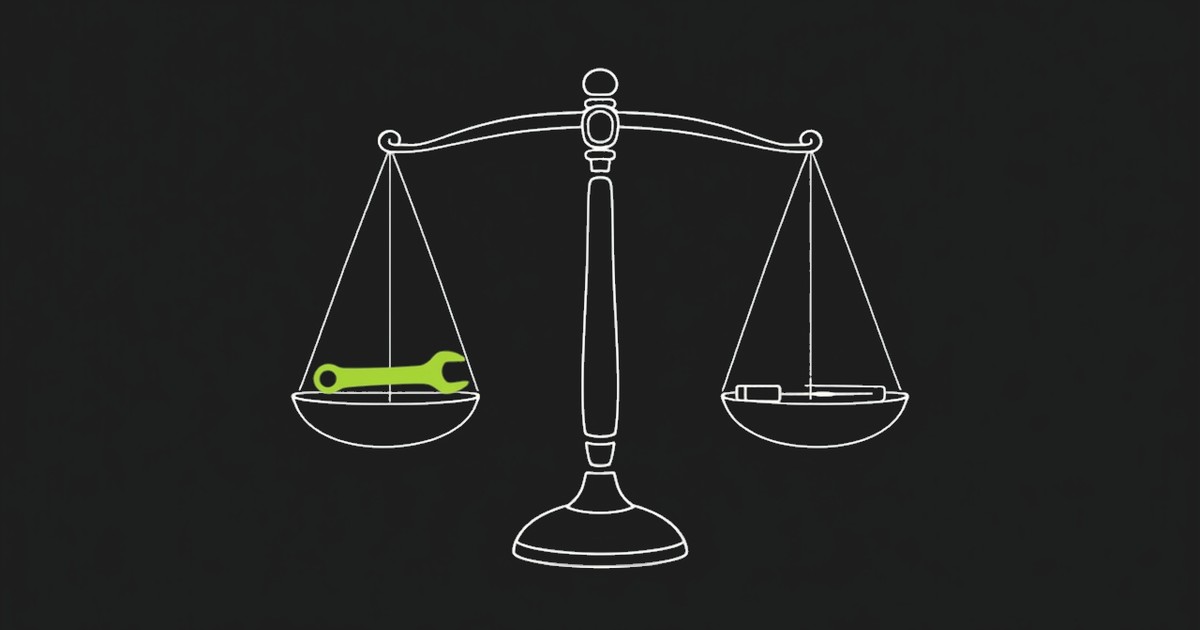
The firm asked a different question. Not “which tool is best?” but “which jobs need doing?”
Drafting is a job. Research is a job. Reading long documents is a job. Billing is a job. Each has different requirements. Drafting rewards reasoning quality. Research rewards citations. Document work rewards staying inside a secure environment. It should not surprise us that different jobs ended up with different tools.
That sounds like extra complexity. It mostly isn’t.
Each tool has one clear role, so there is less confusion about what to use when, not more. And the economics are friendlier than they look. As of this writing, Claude Team plans run from around 25 to 125 US dollars per seat monthly depending on tier, and Microsoft 365 Copilot is about 30 US dollars per user monthly on top of a Microsoft 365 plan. Atty. Santiago pegged his firm’s cost at roughly 2,400 pesos per head per month, and called the cost-benefit scenario “a no-brainer.” Prices change, so check the current pages before deciding. But the point stands: a firm can run a serious multi-tool stack for less than the cost of one junior staff day per month. This is where AI becomes useful. The firm does more with the same people, without adding headcount it cannot yet afford.
There is one more advantage to stack thinking. Tools change every month. Jobs barely change at all. A firm organized around its jobs can swap a tool out when something better arrives, without rethinking the whole system. A firm that bet everything on one platform cannot.
The discipline that makes the stack safe
The part of the talk I would make every professional-services owner replay was not about tools at all. It was about verification.
The firm’s rule is check to double-check. Every AI output gets a human review before it goes anywhere. Legal research gets cross-referenced against official sources: government sites like the BIR and Congress, the Supreme Court portal, and databases like Lawphil and Chan Robles. A citation is not real until a human has seen it in an authoritative source. He is equally deliberate about where data lives: paid business tiers, where data privacy commitments are written into the service agreements, not just promised in a settings toggle.
AI makes mistakes. So do tired associates at 11 p.m. The difference is that the firm built the review step into the workflow instead of hoping someone catches problems. The trust comes from the verification loop, not from the model.
This discipline is existential for a law firm. But it applies to any business where an error costs money or reputation, which is most of them. If your team is pasting AI output straight into client emails, contracts, or reports, the gap is not the tool. It is the missing review step. I have written before about keeping confidential data out of the wrong tools using the coffee shop test, and the same instinct applies here: safety is answered by your setup and your habits, not by the logo on the software.
What the firm got back
By his own account, the results have been dramatic. He estimates his personal productivity is up at least tenfold, and the firm doubled its revenues last year and is doing it again this year. Those are his numbers, not an audited study, so treat them as one practitioner’s experience. But the direction matches what I keep seeing across the 200+ transformation projects I have been part of: when AI lands on the right jobs, the gains are not small.
What a specialized court filing now takes Atty. Santiago to prepare, using a Claude project loaded with his own past work. The tenfold productivity claim stops sounding abstract when one workflow shrinks by this much.
The adoption was not perfectly smooth, and he was honest about that. One of his partners still resists, on very old-school grounds. Staff had a learning curve. His answer as managing partner was not to force it: keep telling the stories, keep showing the before-and-after, let the results argue. The day of the talk, he got the go-signal to roll Claude Team out firm-wide.
And then there was the moment I found most persuasive, because it was not about the firm at all. He put it in one line I would happily print on a slide:
“AI did not replace the lawyer. It freed the lawyer.”
It is the same optimistic case I keep making for AI: not replacement, freedom for the things that really matter. Then he described what that freedom looks like. Because the drafting that used to eat his evenings now moves fast, he had gone for a run that morning, held his Bible study, prepared a judicial affidavit and a corporate dispute complaint, and still squeezed in an extra meeting. The night before, he watched Spider-Man with his kids. Speed and scale showed up in the revenue numbers. The freedom showed up in his life.
What your firm can copy this week
You do not need to be a law firm to use this playbook. An accounting practice, a clinic group, a brokerage, or an agency has the same shape: reasoning work, research work, document work, admin work. Here is the practical version, whether you run five people or five hundred.
List the jobs, not the tools. Write down the five tasks where your team loses the most hours. Be specific: “first drafts of proposals,” not “paperwork.”
Start with the most painful one. One job, not a company-wide AI program. The fastest way to lose a year is to launch a broad initiative with no visible win.
Try free tiers first, then one paid month against that job. This is Atty. Santiago’s own on-ramp: know what you want to happen, try the free tools, then pay for one month to see the ceiling. It is a small, reversible bet.
Put a verification rule beside it from day one. Decide who reviews the output and against what source before anything leaves the office. Write it down. This is the step that lets you scale later without incidents.
Only then, expand. Add the next job, and let each job pick its own tool. If you want to see where this fits in a bigger adoption picture, this is exactly the ground covered by The 4A Blueprint by Jerry Ilao.
A twenty-year-old law firm in Pasig did not wait for a perfect platform, a big budget, or a transformation consultant. They started from a bottleneck that hurt, matched a tool to each job, and wrapped the whole thing in an old-fashioned discipline of checking the work.
So the question for your business this week is not “which AI tool is the best?”
The better question is “which jobs in my firm need doing, and which tool fits each one?”
And the same logic runs far beyond law: the AI for Professional Services in the Philippines playbook maps 15 practical use cases — research, drafting, document review, firm knowledge, client reporting, and AI Agents — for accounting, consulting, HR, engineering, and other knowledge-based firms.
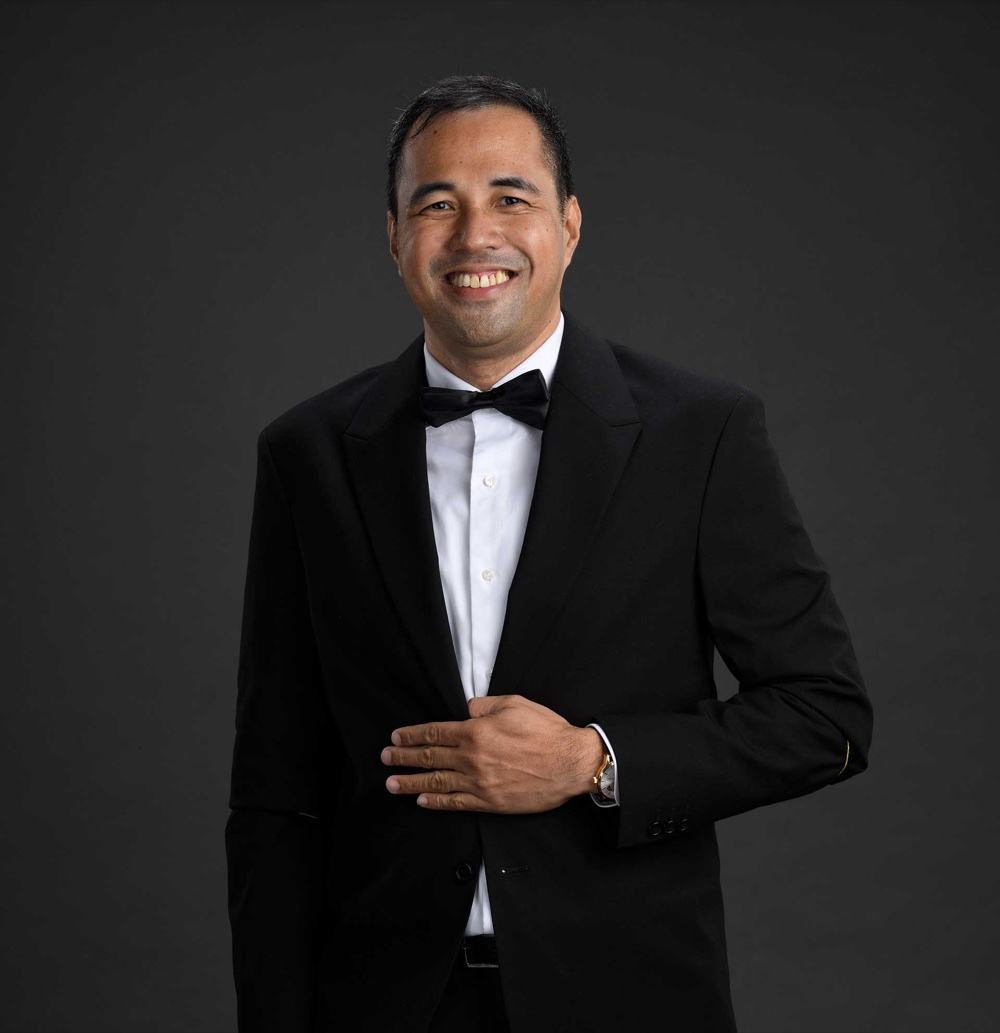
Jerry Ilao
AI Business Strategist · Creator of The 4A Blueprint
Jerry Ilao is the founding president of the Philippine AI Business Association (PAIBA), co-founder and CEO of AI consulting company Olern, and co-founder of Tarkie, field-work software used by 15,000+ Filipinos. He has led 200+ digital transformation projects since 2014 and now helps Philippine businesses adopt AI through The 4A Blueprint™, his practical framework for progressing from AI assistants to automation, agents, and AI-first operations.
Sources
- JSTP Law (Javier, Santiago, Torres & Panghulan Law Offices)
- Anthropic, Claude pricing
- Microsoft 365 Copilot for business
- PAIBA "AI Journeys" learning session, Manila, July 31, 2026